12 icons, one request
These glyphs live in one icons.png. Each box below uses a
generated class (shown underneath) that sets the width, height, and
background-position into the sheet.
.cloud
.star
.moon
.leaf
.heart
.hexagon
.shield
.bolt
.diamond
.droplet
.plus
.triangle
The generated sheet
This is the actual icons.png the tool packed — mixed
sizes fitted tightly with 2px padding to avoid bleed.
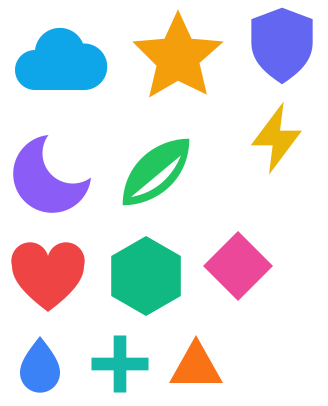
How it works
Point it at a directory, run it as a pre-build step, and ship the sheet plus CSS. That is exactly what produced this page.
1. spritesheet.config.json
{
  "assetDirectory": ["demo/icons"],
  "outputDirectory": "demo/public/sprites",
  "generateCSSFile": "multiple"
}
2. Generated CSS (excerpt)
.star {
  background-image: url("icons.png");
  background-position: -122px -0px;
  width: 112px;
  height: 112px;
}
3. Install & run
npm install -D @richardmcquiston01/sprite-sheet-builder
npx sprite-sheet-builder --config spritesheet.config.json